Isometric figures that light up.
Describe an object, a device or a building and get a single HTML file back: a fine-line isometric drawing where whatever is switched on glows, and every part you press does something.
mkdir -p ~/.claude/skills && curl -fsSL https://iso-glow.vercel.app/iso-glow.tar.gz | tar -xz -C ~/.claude/skills
Using Claude.ai or Windows? See other ways to install. Curious what it does? Check it first.
Examples
Each one came from a single request. Open one and press things.

A drum machine whose pads play sounds, with a 16-step sequencer.Open

A lighthouse whose beam sweeps the water, with a foghorn.Open

A power plant feeding four districts you can switch on.Open
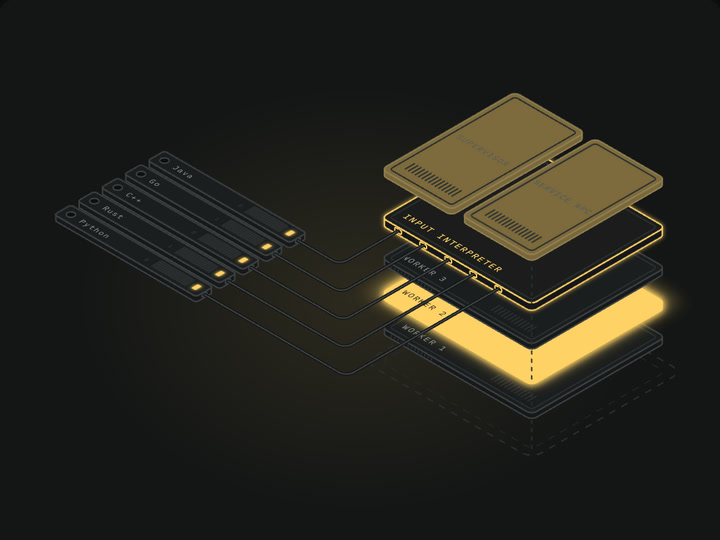
An exploded system diagram where requests light up the layers.Open

A night diner with a flickering neon sign and fuel pumps.Open
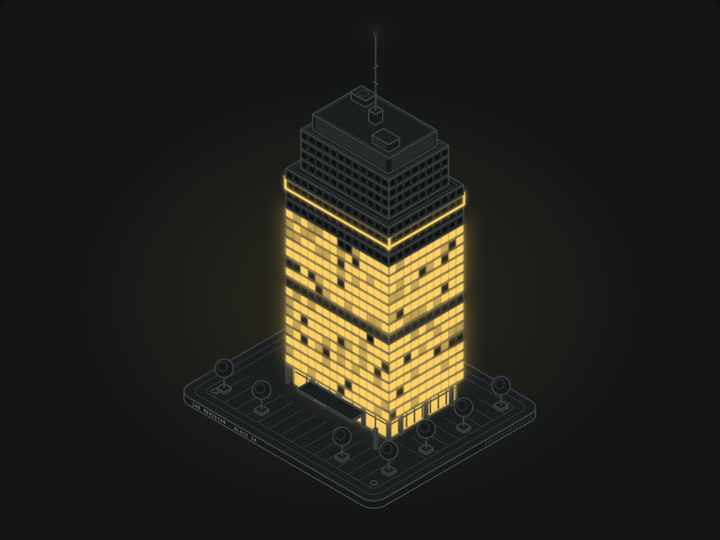
An office tower; click a floor to switch its lights.Open
Get started
Three steps, about a minute.
- 1
Install
Open Terminal (on a Mac: ⌘ Space, type Terminal), paste this and press Return.
mkdir -p ~/.claude/skills && curl -fsSL https://iso-glow.vercel.app/iso-glow.tar.gz | tar -xz -C ~/.claude/skills - 2
Restart Claude Code
Quit and reopen it so it picks up the new skill.
- 3
Ask for a figure
Describe what you want in plain words, or start with
/iso-glow. Claude saves an.htmlfile; double-click it to open it in your browser.
- 1
Download
Get the skill file. iso-glow.skill
- 2
Upload
Add it in Claude.ai's skill settings and switch it on. Skills need a plan that includes them; Claude's help pages show where the setting is.
- 3
Ask for a figure
Start a new chat and describe what you want. Open the result in the preview or download the HTML file.
- 1
Download and unzip
iso-glow.zip Works on Windows, macOS and Linux.
- 2
Move the folder
Put the
iso-glowfolder inside.claude/skillsin your home folder. Create that folder if it doesn't exist. - 3
Restart Claude Code and ask
Describe the figure you want, or start with
/iso-glow.
Try one of these
Is it safe?
Optional checks for anyone who wants to look before installing.
Plain text
Five small text files, about 50 KB: instructions, a page template, two examples and a licence.
Nothing runs on install
Installing only copies the files. No scripts, packages or dependencies.
Pages stay in your browser
Figures run like any web page, in the browser sandbox. No tracking or accounts; the only outside request is a web font.
Look before you install
- 1
Download the zip. iso-glow.zip
- 2
Open it. Double-click the zip in your Downloads folder. You get a folder called
iso-glow. - 3
Read the files. Open
SKILL.mdin any text editor; it's the instructions Claude follows. Theassetsfolder holds a page template and two example figures. Everything is plain text. - 4
Happy with it? Install that folder. Paste this in Terminal to move it from Downloads into Claude's skills folder:
mkdir -p ~/.claude/skills && mv ~/Downloads/iso-glow ~/.claude/skills/
Questions
What is a skill?
A small folder of instructions and templates that teaches Claude how to do one job well. It is not an app and doesn't run by itself. Once installed, Claude reads it whenever you ask for something it covers.
Claude isn't using it
Restart Claude Code, then mention it by name, for example “use the iso-glow skill to draw a lighthouse”. To check it is installed, run ls ~/.claude/skills/iso-glow; you should see SKILL.md, LICENSE and assets.
How do I update or remove it?
To update, run the install command again. To remove it, delete the folder: rm -rf ~/.claude/skills/iso-glow.
Can I use it for commercial work?
Yes. It is MIT licensed. Keep the licence file with the skill if you share it.
Credits
Built on iso-figure by Tolga Cohce (MIT), which provides the isometric drawing method, the numbered-plate format and the rule that every figure has to do something.
With thanks to @wheresryan22 and @0xbigturk.
Lighting, palettes and the gallery template by April Zhu (@Aprilzz423).